GidePass Lens · Eating in Spain
Spanish menu translator: understand the dishes before you order
You can translate every word on a menu and still have no idea what will arrive. Start with the dish, check the portion and prepare one useful question before you order.
GidePass ·
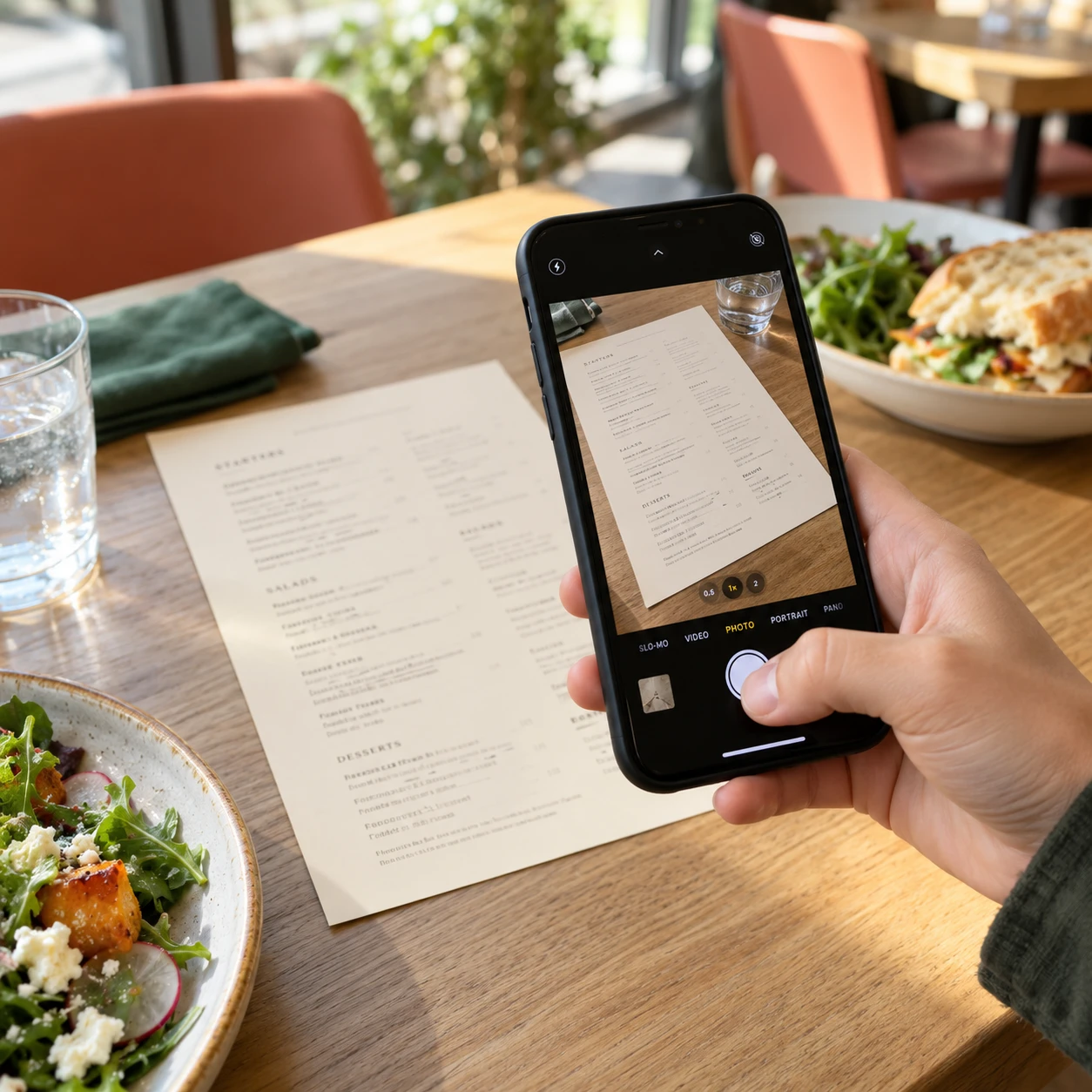
How to translate a Spanish menu with your phone
Photograph one page at a time, straight on, with enough light to read the smallest text. Avoid glare and include the prices beside the dishes. A basic camera translator can help you read the words. Keep the Spanish names as well: they make it easier to find the same line on the menu and show the waiter exactly what you mean.
A dish name needs more than a literal translation
Callos a la madrileña is a traditional tripe stew, rather than an ordinary beef casserole. Croquetas are filled croquettes, but the filling depends on the menu. A useful explanation gives you a starting point; it does not establish the restaurant’s exact recipe. Ask about stock, fillings and sauces when they matter to your choice.
Spanish menu words worth recognising
| On the menu | What to check |
|---|---|
| Callos a la madrileña | Madrid-style tripe stew. Ask about the restaurant’s preparation. |
| Croquetas | Filled croquettes. Check the specific filling and ingredients. |
| Media ración / ración | A smaller / larger serving format. Ask about the actual portion. |
| Menú del día | A set meal. Check the courses, drink and other inclusions. |
Editorial examples, not results from a live photo analysis.
Check whether you are ordering a dish or a portion to share
Look for tapa, media ración and ración. They describe serving formats, but the actual size and whether they suit one person vary by restaurant. Menú del día usually refers to a set meal rather than the full à la carte menu. Check what is included, which drinks are offered and the stated price before ordering.
Turn the translation into a clear order
Choose a dish using its original name, then ask any outstanding question before confirming it. Pointing to the Spanish name can be more useful than trying to pronounce an English translation. If you are sharing, ask whether the amount is suitable for your group. At the end, “La cuenta, por favor” means “The bill, please”.
What GidePass Lens offers for a trip
Lens combines menu translation, dish explanations and help preparing an order to show the waiter. It opens in a mobile browser, and you can optionally save a shortcut to your home screen. New photo analyses require internet. The standalone pilot is limited to Madrid, Barcelona, Paris, Rome, Lisbon and London; it is not a worldwide service.
Try the prepared demo before deciding
The free demo shows an English result from a prepared French menu. You can open a dish explanation and add dishes to an order without uploading a photo, signing up or entering a card. It demonstrates the presentation and controls; it is not a test of live translation accuracy. Check the current price, limits and destinations on the Lens page before purchasing.
Translation cannot confirm allergens
A menu photo and a typical dish explanation cannot confirm ingredients, sauces or cross-contact in a particular kitchen. If you have an allergy or dietary requirement, tell the restaurant and ask staff to confirm it directly. Do not treat a missing ingredient in a translation as proof that it is absent.
Four questions to keep on your phone
- ¿Qué lleva este plato?
- What is in this dish?
- ¿Es para compartir?
- Is it for sharing?
- ¿Está incluida la bebida?
- Is a drink included?
- La cuenta, por favor.
- The bill, please.